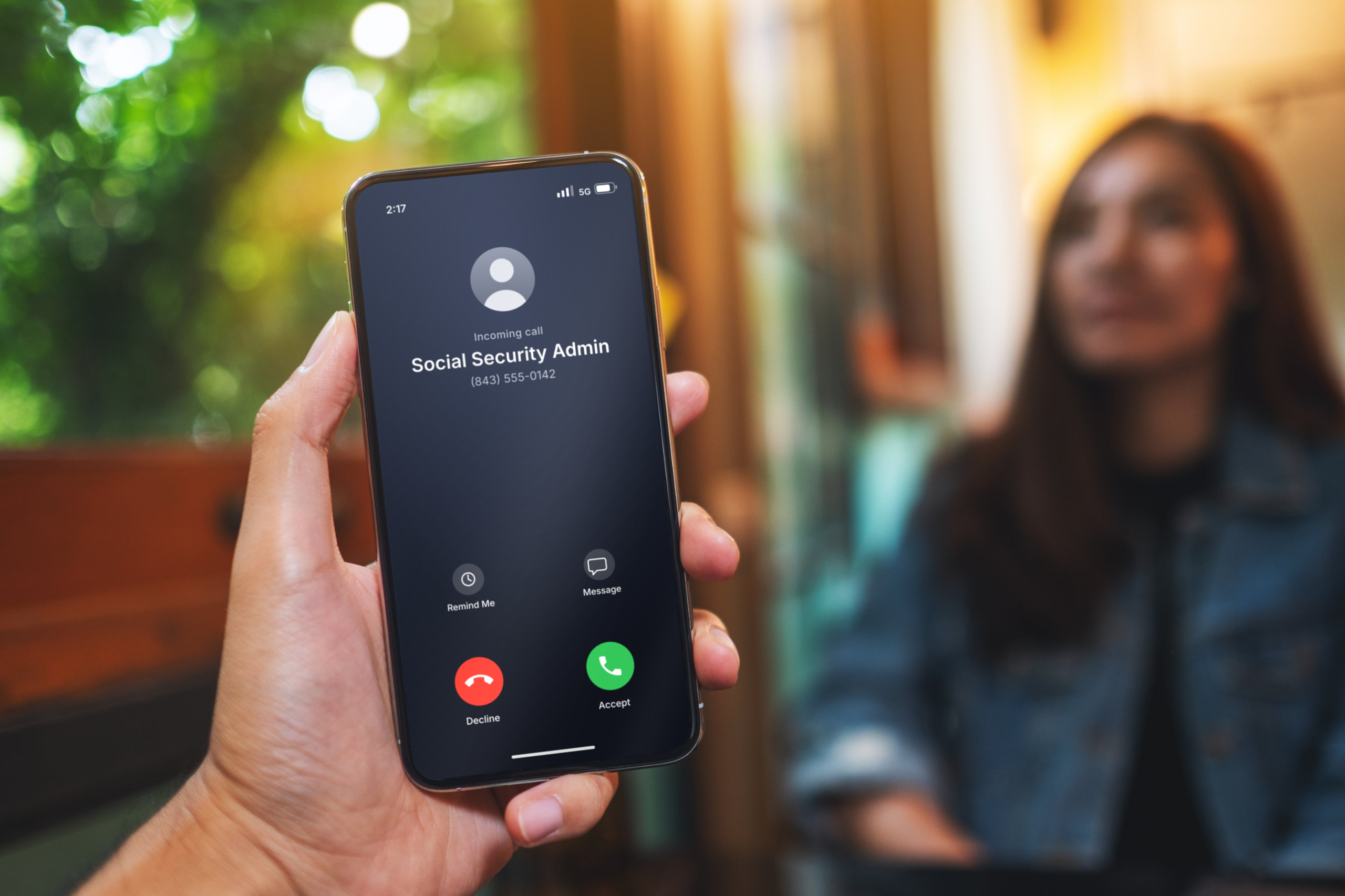
Quick answer: The 2027 cost-of-living adjustment (COLA) is 3.6 percent, and it applies to every person receiving Social Security benefits automatically. You do not need to apply, pay a fee, verify your information, or “activate” anything to receive it. Anyone who contacts you offering to increase or unlock your COLA is a scammer, especially if they ask for money, personal information, or a change to your direct deposit.
Key takeaways
- The Social Security Administration (SSA) announced a 3.6 percent COLA for 2027 on October 14, 2026. It is automatic, with no application, fee, or activation step.
- Social Security benefits increase beginning in January 2027, and SSI payments increase beginning December 31, 2026. Beneficiaries with a my Social Security account who are enrolled in paperless notices can see their notice online. Everyone else receives a paper notice by mail in December.
- COLA scammers usually claim that they can increase or activate your benefit, then ask for a fee, a direct deposit change, or personal or financial information.
- Do not respond to unexpected contact. Call Social Security at 1-800-772-1213 or sign in at ssa.gov/myaccount, and report scams at ssa.gov/scam.
Quick Test
Loading the simulation…
5 Signs A COLA Message Is A Scam
- They contacted you first about your increase. The COLA is automatic, so there is nothing for you to confirm.
- They want money. Any fee, “processing charge,” or payment by gift card, cryptocurrency, wire, or payment app is a scam.
- They ask you to change your direct deposit or “verify” your bank information.
- They pressure or threaten you. Claims that your benefits or Social Security number will be suspended are false. The SSA Office of the Inspector General (OIG) says Social Security will never suspend your Social Security number.
- They send a link, attachment, software download, or official-looking document. They may even send a photo of a government ID. Social Security does not send photos of credentials to demand payment.
If even one of these applies, stop communicating with the scammer (and keep reading to know what to do next).
The 2027 COLA At a Glance
| You May Have Questions About: | |
| Increase | 3.6 percent |
| Announced | October 14, 2026 |
| Social Security increase begins | January 2027 |
| SSI increase begins | December 31, 2026 |
| Average retirement benefit increase | About $75 per month |
| People affected | About 76 million people receiving Social Security or SSI |
| What you have to do | Nothing |
If you have a my Social Security account and are enrolled in paperless notices, most beneficiaries will be able to view it in their Message Center starting in late November, potentially weeks before the paper notice arrives. SSA says the 2027 Medicare premium amount will appear there in late November too. If you aren’t enrolled in paperless notices, a paper notice comes by mail in December.
Will Never Do
- Never suspends your Social Security number
- Never threatens arrest unless you pay
- Never demands gift cards, crypto, or wire transfers
- Never asks for payment apps or prepaid cards
- Never tells you to move money to a “protected” account
- Never offers higher benefits for a fee or your info
- Never asks for sensitive info by text, email, or social media
- Never sends photos of IDs or badges to demand payment
- Don’t click. Go to ssa.gov and sign in yourself.
- Report scams at ssa.gov/scam and ReportFraud.ftc.gov
Check it yourself in five minutes
- Ignore the contact details in the message. Use ones you look up yourself.
- Type ssa.gov into your browser. Scammers buy ads on Google and Bing that look like official sites. SSA’s scam page also warns that a fake page may use a link that doesn’t end in “.gov.”
- Call 1-800-772-1213, or find SSA’s contact options at ssa.gov/agency/contact.
- Sign in to my Social Security and look in your Message Center for your real notice.
- Talk to someone you trust before you pay or share anything. The OIG’s advice is simple: “Stop. Think Scam.”
The OIG also points readers to America.gov for finding official contact information. America.gov launched on September 29, 2026 as an AI-powered gateway to federal information. Because it’s a new AI tool, double-check anything important, such as a phone number, on the SSA’s own .gov site.
If You Already Paid or Shared Information
Scammers are professionals, and this can happen to anyone. Acting quickly helps.
- Stop all contact. Don’t send any money, even if you sent money and a scammer is trying to sell you on paying a “refund fee” or “recovery fee” to get back what you already lost.
- Call your credit union or bank right away, using the number on the back of your card or on its website. Latitude 32 Credit Union can be reached at (843) 556-4809. Tell us you were scammed and ask about reversing or stopping any payments you sent. The FTC explains who to contact depending on how you paid, including cards, bank transfers, wire transfers, payment apps, gift cards, and crypto. Crypto payments are the hardest to recover, but payment apps gift cards, and wire transfers are also unlikely to be recovered, which is why scammers favor those options.
- Check your benefit deposit. If you gave out bank details, or think your direct deposit was changed, call Social Security at 1-800-772-1213. If you shared your my Social Security login, change that password and any other account that uses it.
- Protect your identity. If you gave out your Social Security number, report it at IdentityTheft.gov and notify the three credit bureaus. Consider freezing your credit.
- Report it. Social Security scams go to ssa.gov/scam or oig.ssa.gov/report. Report all scams to the FTC at ReportFraud.ftc.gov. If money was stolen, contact local police. For a scam that involved the internet, a wire, or crypto, you can also file with the FBI at ic3.gov.
- Keep records. Save texts, emails, call numbers, and the date and amount of every payment.
- Be very suspicious of “recovery” offers. Someone who contacts you offering to get your money back for a fee is almost certainly another scammer, as we implied above.
Talk About it With Family
People over 60 are the hardest hit by these scams. Reported fraud losses for adults 60 and older in 2025 were $7.75 billion. If you have a parent, grandparent, or neighbor who receives Social Security, share this article before their notice arrives. A good rule for the whole family to remember is that the COLA never requires a phone call.
For more information on avoiding scams, read Latitude 32 Credit Union’s guides on preventing financial abuse and elder fraud and why smart people are still at risk of fraud. For ongoing tips, see our Fraud Prevention & Cybersecurity Resource Center.